Creating a private archive
Do you want to keep some suggestions, but not have them visible to all your customers?
You can do this by creating a custom status and marking it as "private".
Moderators and admins can see the custom status, but your end-users won't see it.
This is great for creating an "archive" status.
How to make an archive
Here's how to make a status private:
- Go to your Feature Upvote dashboard.
-
Go to your board's settings and choose Statuses.

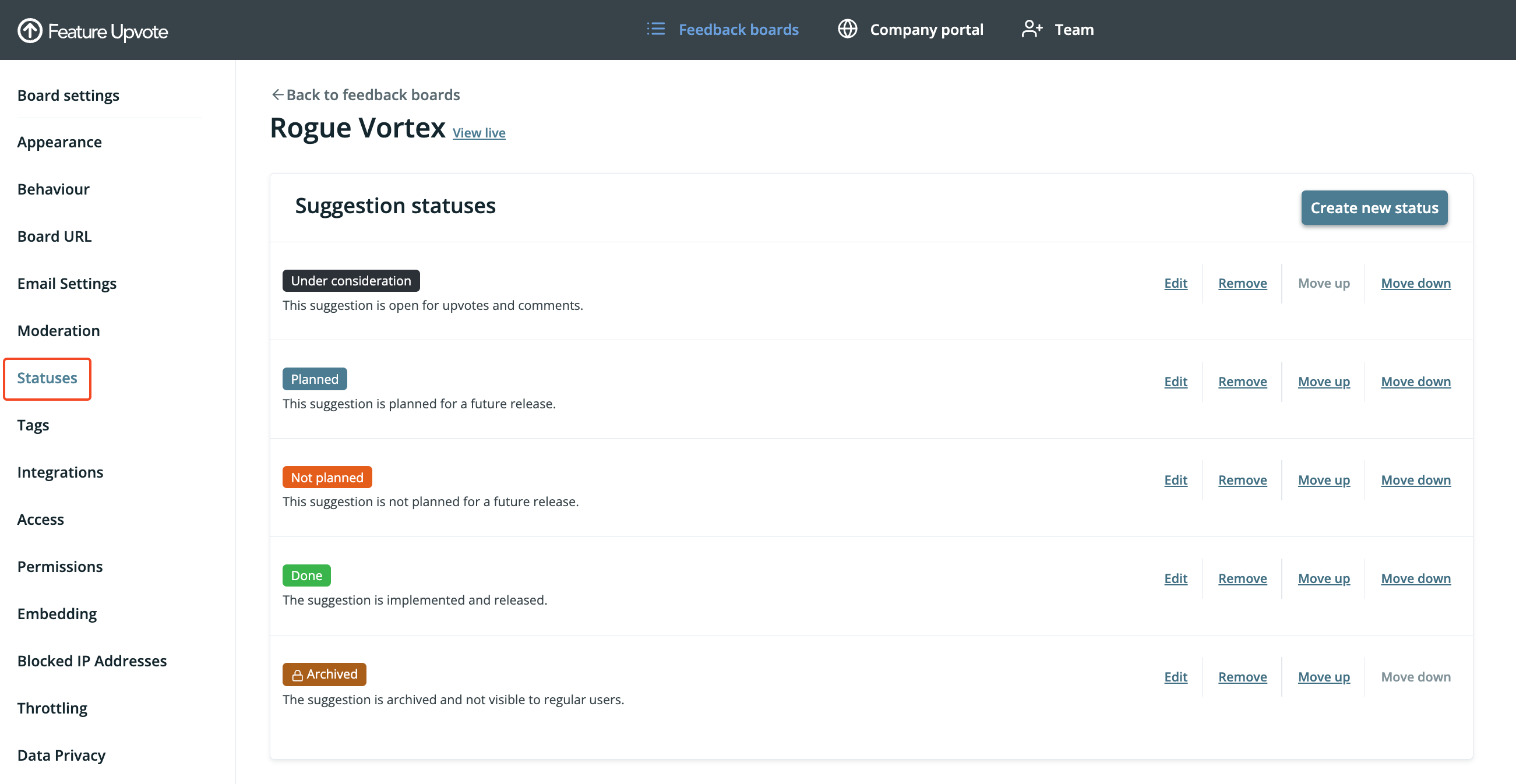
- Create a new status (or edit an existing one), and enable the checkbox labelled "Suggestions with this status are private."

- Save your changes
And that's it! You now have your own private archive.
When you set a suggestion's status to "Archive" (or whatever name you chose), only your team will be able to see the suggestion.
How it works
When using your feedback board, your board moderators and admins will see the suggestions with the private status. But your normal users won't see them.
Additionally, in the drop-down status filter, moderators and admins will be able to see the status and select it. But your normal users won't see it.